 03
03Finding when AIfurniture images aregood enough to ship
The cross-border e-commerce team needed large volumes of furniture scene images for Amazon and Wayfair. I used AIGC tools to explore a practical product question — when generated furniture images are trustworthy enough to enter listing workflows, and when they must be edited or regenerated.
01 - Problem
A furniture image is not useful because it looks real. It is useful when it protects product truth.
For Amazon and Wayfair listings, a generated furniture scene has to do two jobs at once: help the customer imagine a room and preserve the exact product they are buying. If the chair color, leg structure, scale, or usage context drifts, the image becomes a commercial risk instead of a selling asset.
This project was never just about prompt quality. The real product question was whether a generated scene still represented the same SKU truthfully enough to enter a listing workflow, or whether it should be edited or rejected.
03
I turned AI furniture image generation from one-off prompting into a controlled production workflow for cross-border listings.
02 - Failure Board
Real-looking images can still be wrong.
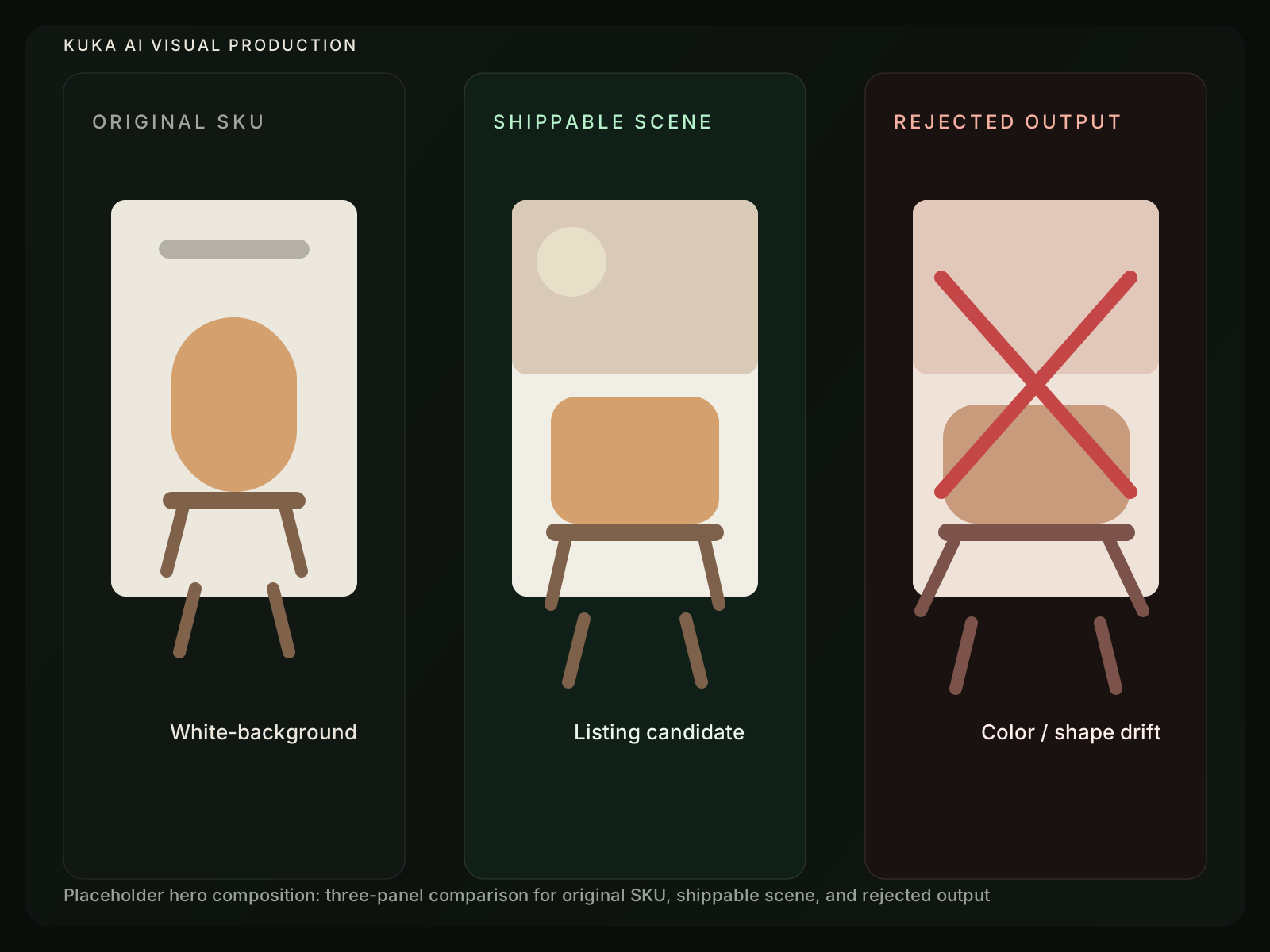
The first instinct was to optimize for visual appeal: better rooms, better light, better composition. That was not enough. Some outputs looked commercially polished but quietly changed the product color, geometry, scale, or usage expectation.
That was when the task stopped being image generation and became image qualification: which outputs were safe to ship, which were worth editing, and which had to be rejected.
03 - Purchase Context
The task was not more images, but more reliable purchase contexts.
A white-background image answers “what is the item?” A lifestyle image answers “where does it fit in my life?” The point of this workflow was to expand purchase context without damaging product identity.
04 - Control Shift
It was not a prompt problem. It was a control problem.
At first, the workflow looked like prompt optimization: rewrite the scene, improve the lighting, regenerate until the output looks better. But better-looking outputs were not always safer outputs.
Better-looking was not always safer.
05 - Constraint Framework
I separated creative variation from product constraints.
To make the workflow repeatable, I split every generation task into two layers. Creative variation could change. Product constraints could not.
06 - Template System
Templates made generation repeatable and reviewable.
Instead of treating every prompt as a one-off creative act, I organized recurring furniture scenarios into reusable templates. That made outputs comparable under the same intent instead of being judged as unrelated images.
07 - Quality Gate
The real output was a quality gate.
The most important part of the workflow was not generation. It was the review logic after generation: whether an output could ship, needed manual editing, or should be rejected and regenerated.
08 - Workflow
Every batch needed a routing decision.
Once the quality gate was clear, the task became a controlled batch workflow: define constraints, generate candidates, evaluate risks, then route each output into the correct next step.
09 - Outcome & Reflection
The project turned image generation into product judgment.
AI furniture scene cases reviewed
image tasks completed
iteration rounds per task
templates and SOPs delivered
This became an early step from AI content execution toward AI product thinking. The hard part was not what the model could generate, but defining when the output was trustworthy enough to ship.
That same thinking later carried into broader AI product work: generation only becomes product capability when trust boundaries, review logic, and workflow decisions are explicit.